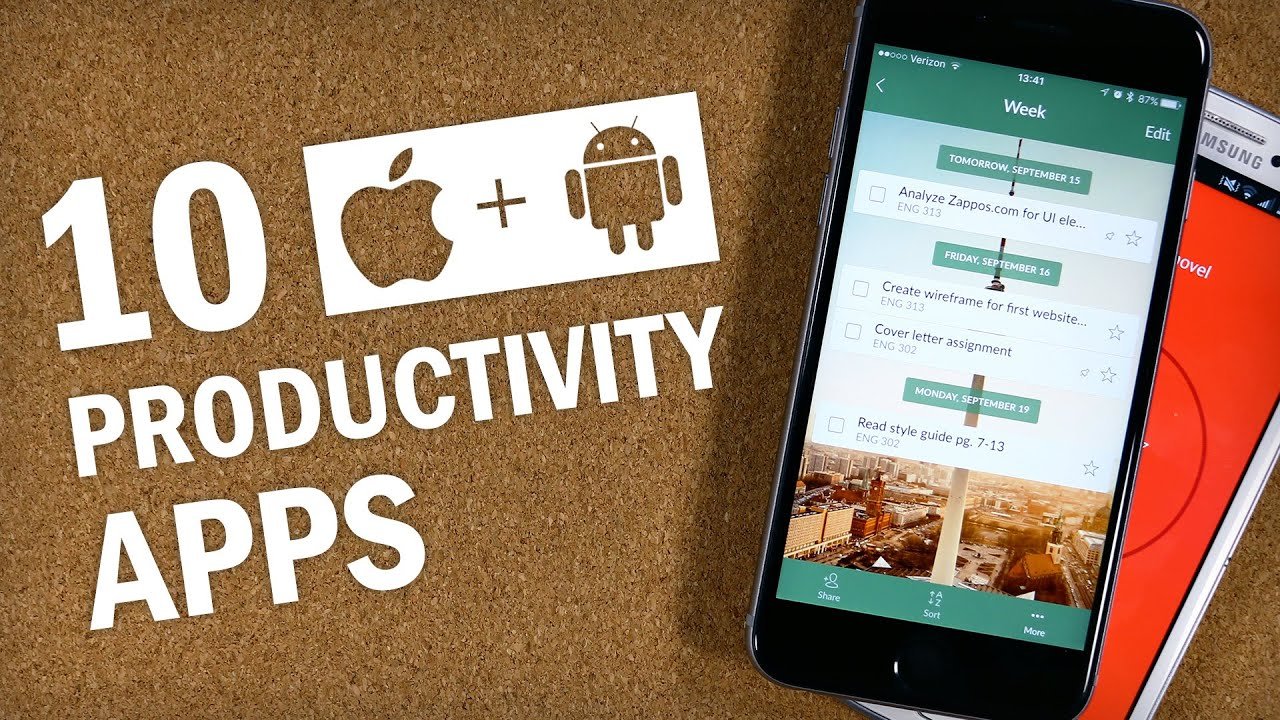
In today’s fast-paced world, staying productive doesn’t have to cost a fortune. Whether you’re managing tasks, taking notes, tracking habits, or boosting focus, there are excellent completely free or generously free-tier apps available on both Android and iPhone (iOS).
Here’s a curated list of the top free productivity apps that deliver real value without requiring payment upfront. All of them work seamlessly across Android and iOS unless noted.
1. Todoist – Best for Task Management
Todoist is one of the most popular and polished to-do list apps. It supports natural language input (e.g., “Buy groceries tomorrow at 5 PM”), projects, labels, priorities, and recurring tasks.
- Why it’s great: Clean interface, powerful free tier, works offline, and syncs across devices.
- Free tier highlights: Unlimited tasks and projects, basic reminders, and collaboration.
- Best for: Individuals and small teams who want simplicity with power.
- Available on: Android, iOS, and more.
2. TickTick – Best All-in-One Productivity App
TickTick combines a to-do list, built-in calendar, Pomodoro timer, and habit tracker in one beautiful app.
- Why it’s great: Natural language processing, subtasks, widgets, and a generous free plan that includes the Pomodoro timer and habit tracking.
- Free tier highlights: Most core features (including calendar view and focus timer).
- Best for: Users who want everything in a single app without switching between tools.
- Available on: Android and iOS.
3. Notion – Best for Notes and All-in-One Workspaces
Notion is a flexible workspace where you can build notes, databases, wikis, task boards, and even habit trackers.
- Why it’s great: Extremely customizable with templates for almost anything.
- Free tier highlights: Unlimited pages and blocks for personal use, basic collaboration.
- Best for: Students, creators, and anyone who loves organizing life in one digital space.
- Available on: Android and iOS.
4. Google Keep / Microsoft OneNote – Best for Quick Note-Taking
- Google Keep: Super simple for color-coded notes, lists, voice memos, and reminders. Perfect for quick capture.
- Microsoft OneNote: More powerful with notebooks, sections, handwriting support, and excellent organization. Free with a Microsoft account.
Best for: Everyday note-taking and idea capture.
5. Google Calendar (or Apple Reminders/Calendar) – Best for Scheduling
Google Calendar remains a staple with smart suggestions, event reminders, and seamless integration with Gmail and other Google apps.
- Why it’s great: Free, reliable, and supports shared calendars.
- Alternative on iPhone: Apple’s built-in Reminders and Calendar apps are completely free and deeply integrated.
Best for: Managing your daily schedule and appointments.
6. Forest – Best for Focus and Beating Distractions
Forest gamifies focus sessions: plant a virtual tree that grows while you stay off your phone. If you leave the app, the tree dies.
- Why it’s great: Fun, motivating, and effective for building focus habits.
- Free tier: Available on Android with ads (one-time purchase on iOS for ad-free).
- Best for: Students and professionals who struggle with phone distractions.
7. Trello – Best for Visual Project Management
Trello uses Kanban-style boards with cards, lists, labels, and checklists.
- Why it’s great: Intuitive drag-and-drop interface for personal or team projects.
- Free tier: Unlimited boards and cards for personal use.
- Best for: Visual thinkers and lightweight project management.
8. Loop Habit Tracker (Android) / Habitify or Built-in Options (iOS) – Best for Habit Building
- Loop Habit Tracker: Completely free, open-source, and lightweight. Unlimited habits with detailed statistics.
- On iOS, many users combine Apple Reminders with simple trackers or try free tiers of dedicated apps.
Best for: Building consistent daily habits.
9. ChatGPT / Google Gemini – Best AI Productivity Assistant
AI apps have become essential productivity tools in 2026.
- Use them for brainstorming ideas, drafting emails, summarizing articles, generating to-do lists, or explaining concepts.
- Both offer strong free tiers with daily usage limits.
Best for: Quick research, writing help, and creative problem-solving.
10. Bitwarden – Best Free Password Manager
Secure password management is foundational to productivity (no more forgotten passwords!).
- Why it’s great: Completely free for unlimited devices, passwords, and even passkeys.
- Available on: Android and iOS.
Quick Comparison Table
| App | Main Strength | Best Free Features | Platform |
|---|---|---|---|
| Todoist | Task Management | Natural language, projects | Android + iOS |
| TickTick | All-in-One | Calendar + Pomodoro + Habits | Android + iOS |
| Notion | Notes & Databases | Unlimited personal pages | Android + iOS |
| Google Keep | Quick Notes | Simple & fast | Android + iOS |
| Google Calendar | Scheduling | Smart reminders & integration | Android + iOS |
| Forest | Focus & Concentration | Gamified sessions | Android + iOS |
| Trello | Visual Projects | Kanban boards | Android + iOS |
| Bitwarden | Password Security | Unlimited devices | Android + iOS |
Tips to Maximize These Free Apps
- Combine 2–3 apps only (e.g., TickTick for tasks + Notion for notes) to avoid app overload.
- Use widgets on your home screen for quick access.
- Enable notifications mindfully to prevent distraction.
- Take advantage of cross-device sync so your productivity follows you everywhere.
Many of these apps offer optional paid upgrades, but the free versions are powerful enough for most individuals in 2026.
Which productivity app is your favorite right now? Let me know in the comments, or try one from this list today and feel the difference!