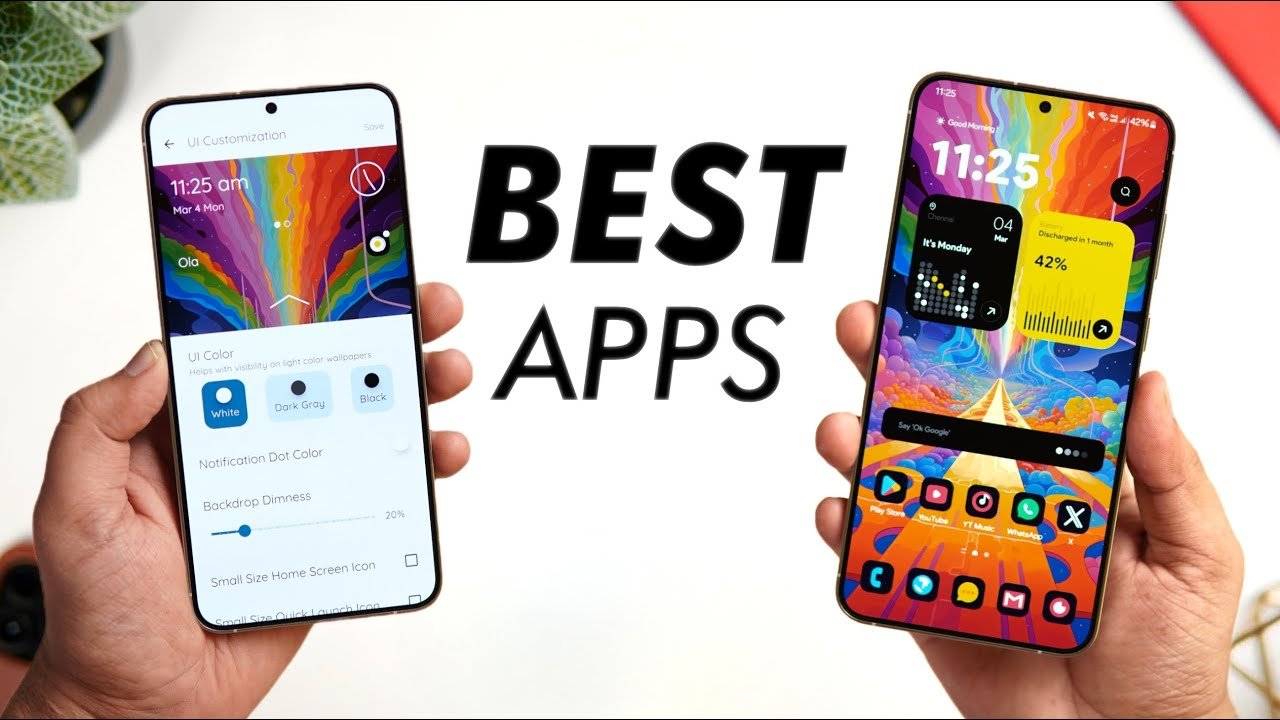
The Google Play Store is packed with millions of apps, but only a handful truly deserve a permanent spot on your home screen in 2026. Whether you’re looking to boost productivity, enhance privacy, customize your device, or simply enjoy media better, these essential Android apps deliver real value without unnecessary bloat.
Here’s our curated must-have list for 2026, grouped by category. All are available on the Google Play Store (or official sources) and have proven their worth through consistent updates and strong user feedback.
1. Customization & Launcher
Nova Launcher Prime Still the king of Android customization in 2026. Nova Launcher offers smooth gestures, icon packs, hidden apps, and advanced widgets. The Prime version unlocks backup/restore and extra features that make your phone feel truly personal. Why install it: Transform any Android device into a clean, efficient powerhouse.
2. Security & Privacy
Bitwarden The best open-source password manager available. It supports passkeys, autofill, secure sharing, and works seamlessly across all your devices. Zero-knowledge encryption keeps your data private. Why it’s a must-have: Stop reusing weak passwords in an era of increasing data breaches.
Signal End-to-end encrypted messaging with disappearing messages, voice/video calls, and group chats. It’s the privacy-focused alternative that many professionals and everyday users have switched to. Why install it: True privacy without sacrificing convenience.
3. Productivity & Task Management
TickTick A powerful yet simple to-do list and task manager that combines calendars, Pomodoro timers, habit tracking, and smart reminders. It syncs beautifully across devices. Alternative: Todoist for those who prefer a cleaner, more minimalist interface.
Google Keep or NotebookLM For quick notes, voice memos, and AI-powered organization. NotebookLM stands out in 2026 for its ability to turn notes, PDFs, and recordings into smart summaries and podcasts.
Google Calendar Reliable, integrates with Gmail and other services, and supports smart scheduling suggestions powered by AI.
4. Browsers & Reading
Brave Browser Fast, private browsing with built-in ad and tracker blocking. It rewards users with BAT tokens and saves significant data and battery. Alternative: Firefox for advanced customization and sync features.
5. Media & Entertainment
VLC Media Player Plays almost any video or audio format without issues. No ads, no subscriptions—just reliable playback for local files and streams.
Poweramp For audiophiles who want the best music player with powerful equalizer, gapless playback, and support for high-res audio.
YouTube / Netflix / Streaming apps remain essential, but pair them with ad blockers where possible for a smoother experience.
6. Utilities & Everyday Tools
LocalSend (or Blip) Share files, photos, and more between nearby Android (and iOS) devices over Wi-Fi without internet or cloud services. Fast, private, and free.
Files by Google Excellent for cleaning storage, managing files, and transferring data. It’s lightweight and surprisingly effective at finding duplicates and junk.
Microsoft SwiftKey One of the smartest keyboards in 2026, with excellent prediction, theme support, and multilingual typing.
Canva Quick graphic design on the go—perfect for social media posts, presentations, or simple edits without needing a computer.
7. Health & Lifestyle
MyFitnessPal Track nutrition, calories, and workouts with a huge food database and integration with wearables.
Sleep as Android Smart alarm clock with sleep tracking, gentle wake-up sounds, and anti-snore features.
8. Advanced Power Users
Tasker Automate almost anything on your phone—Wi-Fi toggles, app behaviors, notifications, and more. Steep learning curve but incredibly powerful.
Bonus Trending Picks for 2026
- Snapseed — Free, professional-level photo editing from Google.
- Raindrop.io — Save and organize bookmarks across devices.
- AI Tools like Google Gemini (built-in on many devices) for quick assistance.
Final Tips for 2026
- Prioritize privacy-focused apps (Bitwarden, Signal, Brave) as data protection becomes even more important.
- Use F-Droid or official GitHub releases for open-source alternatives when available.
- Always check permissions and reviews before installing—Android’s permission system is stronger than ever, but caution is still wise.
- Many of these apps have excellent free tiers; premium versions are usually worth it only if you need advanced features.
Installing even half of these apps will noticeably improve your Android experience—making it faster, more private, productive, and enjoyable.
Which of these are already on your phone? Let us know in the comments if you’d like deeper reviews for any specific app!