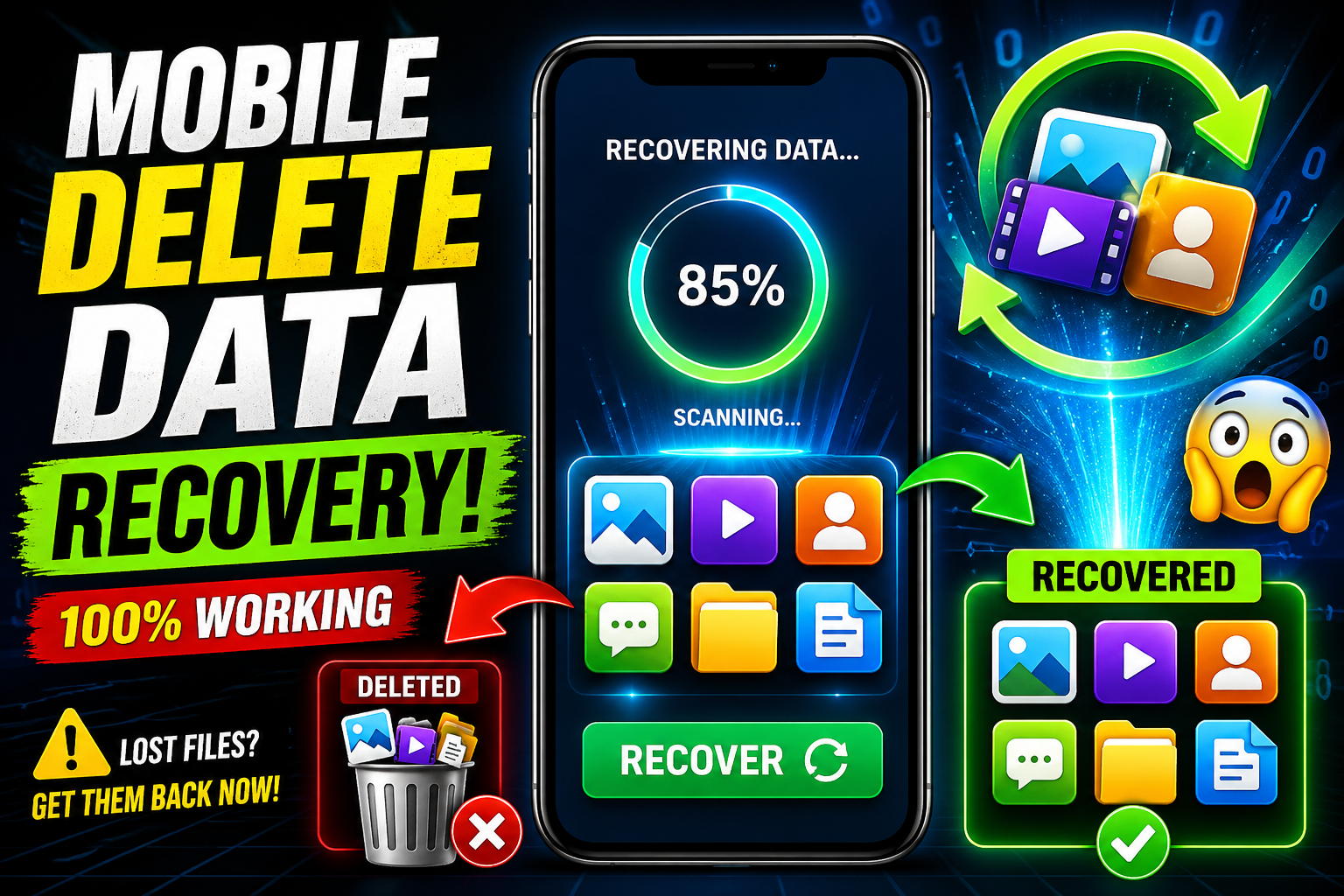
Mobile Delete Data Recovery: Complete Guide to Recover Lost Files on Your Phone
Losing important data from your mobile phone can feel like a disaster. Whether it’s precious photos, important contacts, work documents, or personal videos, accidental deletion happens to almost everyone. The good news is that mobile delete data recovery is often possible—if you act quickly and use the right methods. In this complete guide, you’ll learn how mobile data recovery works, why deleted files can still be restored, and the best ways to recover your lost data.
Understanding Mobile Data Loss
Before jumping into recovery methods, it’s important to understand how data gets deleted. On smartphones, when you delete a file, it isn’t immediately erased from storage. Instead, the system marks that space as “available” for new data. Until new data overwrites it, the deleted file can still be recovered.
Common Causes of Data Loss
There are several reasons why mobile data gets deleted:
- Accidental deletion by the user
- Factory reset of the phone
- Software crashes or system errors
- Virus or malware attacks
- Failed updates or flashing
- Physical damage to the device
Understanding the cause helps you choose the right recovery method.
How Mobile Data Recovery Works
Mobile data recovery works by scanning the internal storage or memory card for traces of deleted files. Specialized recovery tools search for file fragments and reconstruct them.
There are two main types of recovery:
1. Logical Recovery
This happens when files are deleted but the device is still functional. Recovery software can scan and restore files easily.
2. Physical Recovery
This is required when the phone is damaged or not turning on. It usually needs professional tools and services.
Immediate Steps After Data Loss
If you’ve just deleted something important, follow these steps immediately:
- Stop using your phone to avoid overwriting data
- Turn off Wi-Fi and mobile data to prevent background downloads
- Do not install new apps
- Avoid taking photos or videos
These actions increase the chances of successful recovery.
Methods to Recover Deleted Data on Mobile
There are several ways to recover deleted data depending on your situation.
1. Check Recently Deleted Folder
Most smartphones have a “Recently Deleted” or “Trash” folder in apps like Gallery, File Manager, or Photos.
- Deleted files are stored here temporarily (usually 30 days)
- You can restore them with a single tap
- This is the easiest and fastest recovery method
2. Restore from Backup
If you have backups enabled, recovery becomes simple.
Types of Backups:
- Cloud backups (Google Drive, iCloud)
- Local backups (PC or external storage)
Steps:
- Go to your backup settings
- Select the most recent backup
- Restore your data
Regular backups are the best protection against data loss.
3. Use Data Recovery Apps
There are many mobile data recovery apps designed to scan and recover deleted files.
Features of Recovery Apps:
- Recover photos, videos, contacts, messages
- Deep scanning capability
- Preview before recovery
- Support for internal storage and SD cards
Some apps work without root access, while others require it for deeper recovery.
4. Recover from SD Card
If your data was stored on a memory card, recovery is easier.
Steps:
- Remove the SD card from your phone
- Insert it into a computer using a card reader
- Use recovery software to scan the card
- Restore deleted files
SD cards are less complex than internal storage, making recovery more successful.
5. Use PC Recovery Software
For better results, many people prefer using desktop recovery tools.
Advantages:
- More powerful scanning
- Better recovery success rate
- Supports multiple file types
Process:
- Connect your phone to the computer
- Enable USB debugging (for Android)
- Run recovery software
- Scan and restore files
This method is especially useful for recovering large or important data.
6. Professional Data Recovery Services
If all else fails, professional recovery services can help.
When to Use:
- Phone is physically damaged
- Data is extremely important
- Software methods failed
These services use advanced tools to extract data directly from the device’s memory.
Android vs iPhone Data Recovery
Recovery methods differ slightly between Android and iPhone devices.
Android Recovery
- More flexible recovery options
- Supports SD card recovery
- Root access improves recovery results
iPhone Recovery
- Relies heavily on backups
- Limited direct file system access
- Requires iTunes or iCloud for restoration
Both platforms support recovery, but Android offers more direct control.
Factors That Affect Recovery Success
Not all deleted data can be recovered. Several factors influence success:
- Time since deletion
- Amount of new data written
- Storage type (internal vs SD card)
- Device condition
- Whether backups exist
The sooner you attempt recovery, the higher your chances.
Common Types of Recoverable Data
Mobile recovery tools can restore many types of files:
- Photos and images
- Videos
- Contacts
- SMS and chat messages
- Audio files
- Documents (PDF, Word, Excel)
- App data (in some cases)
However, encrypted or overwritten files are harder to recover.
Tips to Prevent Future Data Loss
Prevention is always better than recovery. Follow these tips to protect your data:
1. Enable Automatic Backup
Turn on cloud backup so your data is saved regularly.
2. Use Secure Storage
Store important files in multiple locations.
3. Install Antivirus Software
Protect your device from malware that can delete data.
4. Avoid Untrusted Apps
Only install apps from trusted sources.
5. Keep Software Updated
Updates fix bugs and improve system stability.
Myths About Mobile Data Recovery
There are many misconceptions about data recovery. Let’s clear a few:
Myth 1: Deleted Data Is Gone Forever
Reality: It remains recoverable until overwritten.
Myth 2: All Recovery Apps Work the Same
Reality: Quality and success rates vary greatly.
Myth 3: Rooting Always Guarantees Recovery
Reality: It improves access but doesn’t guarantee success.
When Recovery Is Not Possible
Sometimes, data cannot be recovered:
- After full overwrite of storage
- Severe hardware damage
- Encrypted data without keys
- Factory reset with secure wipe
In such cases, even professionals may not be able to help.
Download App
As technology evolves, data recovery methods are improving. New tools use advanced scanning algorithms and AI to detect lost data more accurately.
However, increased security and encryption in modern devices also make recovery more challenging. This means backups are becoming even more important.
Conclusion
Mobile delete data recovery is not only possible but often successful if handled correctly. The key is to act quickly, avoid using the device, and choose the right recovery method. Whether you use built-in features, recovery apps, or professional services, there are multiple ways to get your lost data back.