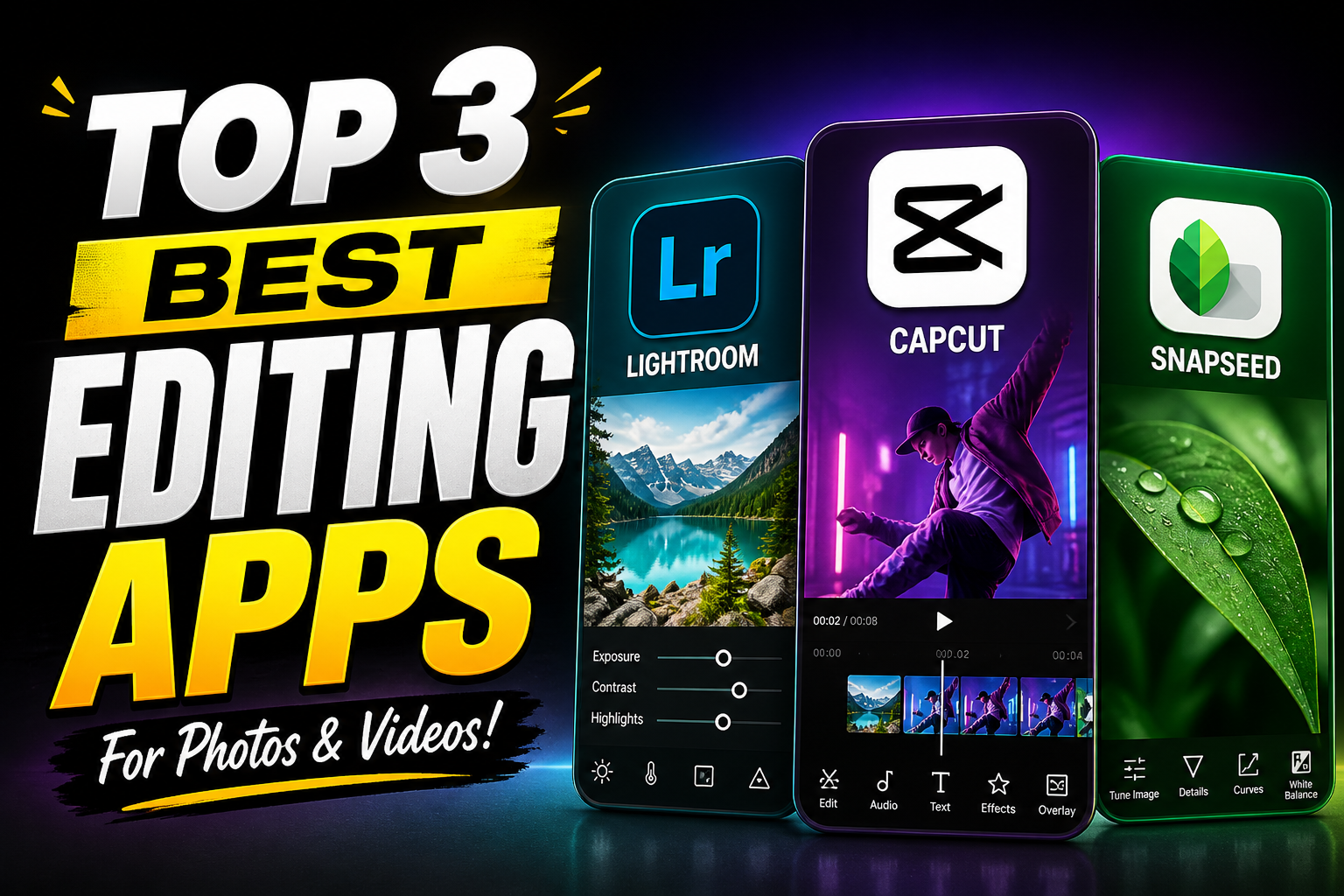
Top Three Best Editing Apps in 2026
In a world where visual content dominates social media, marketing, and even personal communication, having a powerful editing app is no longer optional—it’s essential. Whether you’re polishing photos, crafting videos, or enhancing short-form content, the right editing tool can make the difference between average and exceptional results. With hundreds of apps available today, choosing the right one can feel overwhelming. This article breaks down the top three best editing apps in 2026, focusing on their features, usability, and why they stand out from the competition.
1. Adobe Lightroom – The Gold Standard for Photo Editing
When it comes to professional-level photo editing on mobile and desktop, Adobe Lightroom continues to dominate the space. It strikes a balance between advanced capabilities and accessibility, making it suitable for both beginners and experienced photographers.
Key Features
One of Lightroom’s strongest advantages is its non-destructive editing workflow. This means you can make changes to your photos without permanently altering the original file, allowing for flexibility and experimentation. The app offers powerful tools such as exposure adjustment, color grading, tone curves, and selective editing.
Lightroom also includes AI-powered features like automatic subject selection and sky enhancement, which significantly reduce editing time. Presets—both built-in and user-created—allow you to apply consistent styles across multiple photos with just one tap.
User Experience
Despite its professional-grade tools, Lightroom maintains a clean and intuitive interface. Beginners can rely on auto-edit functions, while advanced users can dive deep into manual controls. The app syncs seamlessly across devices, making it easy to start editing on a phone and continue on a desktop.
Why It Stands Out
Lightroom stands out because of its precision and flexibility. Unlike many editing apps that focus on filters, Lightroom gives users full control over every aspect of an image. It’s ideal for photographers who want to develop a consistent style or work with RAW files.
Best For
- Photographers
- Social media creators who prioritize image quality
- Users who want detailed control over edits
2. CapCut – The All-in-One Video Editing Powerhouse
CapCut has quickly risen to the top as one of the most popular video editing apps, especially among content creators. Its combination of simplicity, advanced tools, and free access makes it a standout choice.
Key Features
CapCut offers a wide range of editing tools, including trimming, splitting, transitions, and speed adjustments. What truly sets it apart, however, is its library of effects, filters, and trending templates that are constantly updated.
The app includes AI-driven features like auto-captioning, background removal, and motion tracking. These tools allow users to create professional-looking videos with minimal effort. CapCut also supports multi-layer editing, enabling more complex projects.
Another major advantage is its audio capabilities. Users can easily add music, sound effects, and voiceovers, with precise control over timing and volume.
User Experience
CapCut is designed with user-friendliness in mind. Its drag-and-drop interface and pre-built templates make it easy for beginners to create engaging content quickly. At the same time, it offers enough depth for more experienced editors to fine-tune their projects.
The app performs well even on mid-range devices, which contributes to its widespread popularity.
Why It Stands Out
CapCut stands out because it combines professional features with accessibility—and does so for free. Unlike many competitors, it doesn’t lock essential tools behind a paywall. Its integration with social media trends also makes it highly relevant for modern content creation.
Best For
- TikTok and short-form video creators
- Beginners looking for an easy start in video editing
- Users who want quick, high-quality results without complex workflows
3. Snapseed – Powerful Editing Made Simple
Snapseed remains one of the best free photo editing apps available, thanks to its balance of simplicity and advanced tools. Developed with both casual users and enthusiasts in mind, it delivers impressive results without overwhelming the user.
Key Features
Snapseed offers a wide variety of tools, including basic adjustments like brightness and contrast, as well as more advanced options like curves, white balance, and selective editing. Its “Selective” tool allows users to edit specific parts of an image with precision.
One of its most unique features is the “Healing” tool, which lets users remove unwanted objects from photos seamlessly. The app also includes a range of filters, but unlike many apps, these are customizable rather than fixed.
Snapseed supports RAW file editing, which is a significant advantage for photographers who want to maintain high image quality.
User Experience
The app uses a gesture-based interface, which may take a little time to learn but becomes highly efficient once mastered. Swiping up and down selects tools, while swiping left and right adjusts values.
Snapseed does not require a subscription, and all features are available for free, making it accessible to everyone.
Why It Stands Out
Snapseed stands out because it delivers professional-level editing tools in a completely free package. It avoids clutter and focuses on functionality, making it a great choice for users who want powerful editing without distractions.
Best For
- Casual photographers
- Users who prefer a free, no-subscription app
- Anyone looking for quick yet precise edits
Download App
Download App
Download App
While all three of these apps are excellent, the best choice depends on your specific needs and goals.
If your primary focus is photography and you want maximum control over your images, Lightroom is the clear winner. It offers unmatched precision and professional-grade tools.
If you’re more interested in video content—especially for social media—CapCut is the most versatile and user-friendly option. Its templates and AI features make it incredibly efficient for modern creators.
On the other hand, if you want a powerful yet free photo editing tool that doesn’t require a steep learning curve, Snapseed is an excellent choice.
Final Thoughts
Editing apps have evolved significantly over the past few years, becoming more powerful, accessible, and intelligent. The top three apps—Lightroom, CapCut, and Snapseed—represent the best of what’s currently available, each excelling in its own category.