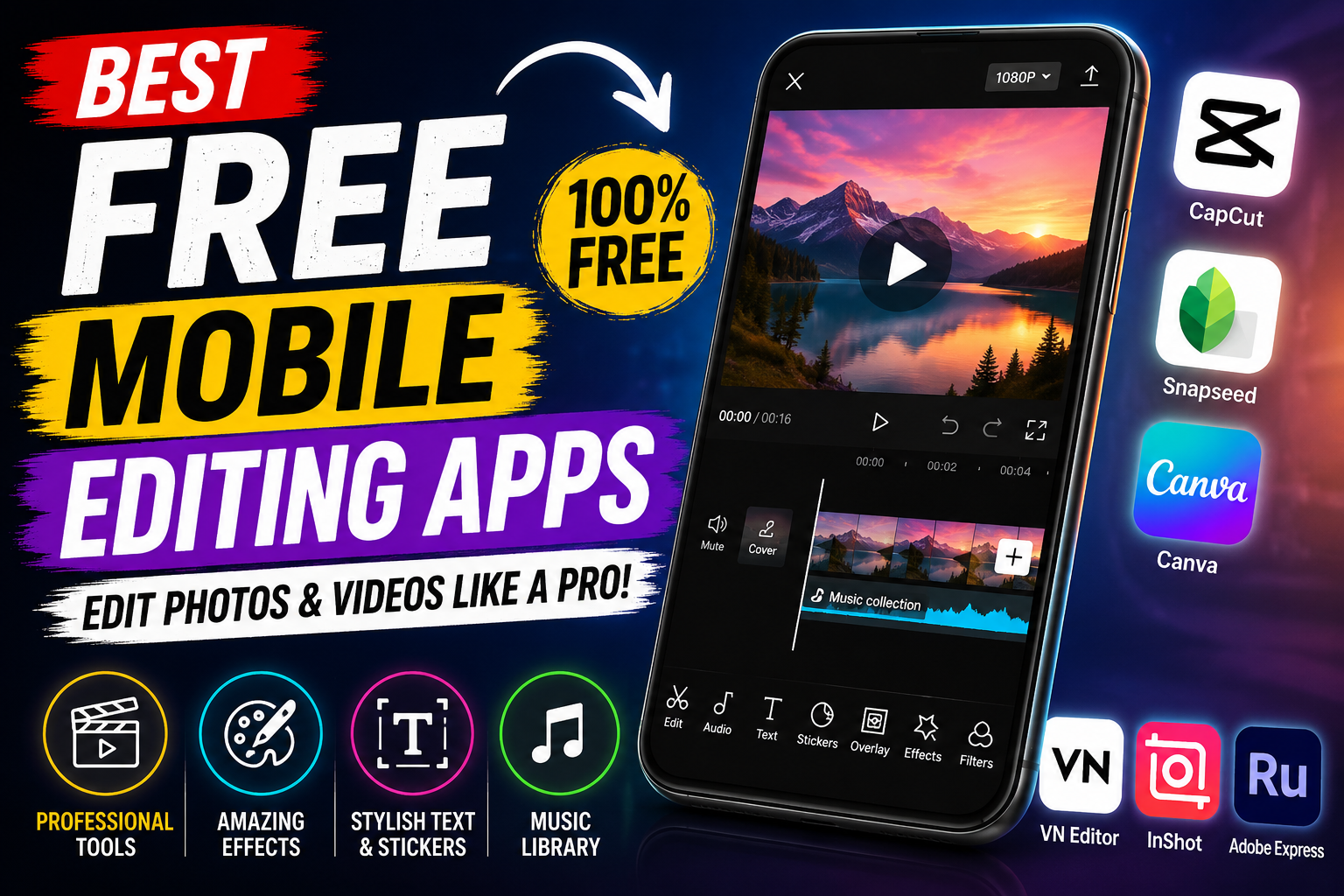
Free Mobile Editing Apps: The Best Tools to Edit Photos and Videos Like a Pro
Introduction
In today’s digital world, creating high-quality photos and videos is easier than ever. Whether you’re a content creator, student, freelancer, influencer, or someone who enjoys sharing memories on social media, having a reliable mobile editing app is essential. The good news is that you don’t need to spend money on expensive software. Many free mobile editing apps offer professional-level features that help you create stunning content directly from your smartphone.
From basic photo adjustments to advanced video editing, these apps provide everything you need to produce eye-catching content. In this article, we’ll explore the best free mobile editing apps, their features, benefits, and tips for choosing the right one for your editing needs.
Why Use Free Mobile Editing Apps?
Mobile editing apps have become incredibly powerful over the years. They allow users to edit photos and videos anytime and anywhere without needing a computer.
Here are some reasons why people prefer free mobile editing apps:
- No expensive subscription required
- Easy-to-use interface
- Quick editing on the go
- Professional-quality filters and effects
- Perfect for social media content
- Supports HD and 4K exports in many cases
- Saves both time and storage
Whether you’re editing a YouTube vlog, Instagram Reel, TikTok video, or personal photos, these apps make the process simple and efficient.
Top Free Mobile Editing Apps
1. CapCut
CapCut is one of the most popular free video editing apps available today. Developed by ByteDance, it offers powerful editing tools suitable for beginners and professionals alike.
Key Features
- Multi-layer video editing
- AI-powered tools
- Auto captions
- Trending effects
- Smooth transitions
- Speed control
- Background removal
- HD video export
Pros
- Completely beginner-friendly
- Large collection of templates
- Excellent performance
- Frequent updates
Best For
- TikTok creators
- YouTube Shorts
- Instagram Reels
- Social media videos
2. Snapseed
Snapseed is Google’s professional photo editing app packed with advanced editing tools.
Key Features
- RAW image support
- Healing tool
- Selective editing
- Curves adjustment
- HDR effects
- White balance controls
Pros
- No ads
- Free forever
- Professional editing features
- High-quality image export
Best For
- Portrait photography
- Landscape editing
- Professional photo enhancement
3. Canva
Canva is much more than a graphic design app. It also includes photo and video editing tools perfect for beginners.
Key Features
- Ready-made templates
- Social media designs
- Logo creation
- Video editing
- Background remover (limited in free version)
- Text animations
Pros
- Drag-and-drop interface
- Huge template library
- Cloud storage
- Team collaboration
Best For
- Social media posts
- Presentations
- YouTube thumbnails
- Business graphics
4. VN Video Editor
VN Video Editor is a feature-rich editing app with no watermark in the free version.
Key Features
- Multi-track editing
- Keyframe animation
- Video transitions
- Motion effects
- Music library
- Text overlays
Pros
- No watermark
- Smooth editing experience
- Professional timeline
- Easy learning curve
Best For
- YouTube creators
- Cinematic editing
- Vlogs
5. InShot
InShot is one of the easiest mobile editing apps for beginners.
Key Features
- Video trimming
- Music addition
- Filters
- Speed adjustment
- Text and stickers
- Video resizing
Pros
- Beginner-friendly
- Fast rendering
- Supports multiple aspect ratios
Best For
- WhatsApp status
- Quick edits
6. Adobe Express
Adobe Express brings Adobe’s editing power to mobile users.
Key Features
- Photo editing
- Video creation
- AI effects
- Templates
- Text animations
- Graphic design
Pros
- Trusted Adobe quality
- Cloud syncing
- Easy sharing
Best For
- Marketing content
- Social media
- Small businesses
Best Features to Look for in a Free Editing App
Choosing the right editing app depends on your needs. Here are some essential features you should consider.
User-Friendly Interface
A simple interface helps beginners learn editing quickly without frustration.
High-Quality Export
Choose an app that supports Full HD or 4K export without reducing video quality.
Filters and Effects
Creative filters and effects make your content more attractive and engaging.
Music Library
Royalty-free music helps improve your videos without copyright concerns.
Text and Stickers
Adding stylish text and stickers makes videos more interactive.
AI Editing Tools
Modern apps now include AI-powered features such as:
- Background removal
- Auto captions
- Object removal
- Image enhancement
- Face retouching
These tools save significant editing time.
Free Photo Editing vs Free Video Editing Apps
Although many apps offer both photo and video editing, some specialize in one category.
| Feature | Photo Editing Apps | Video Editing Apps |
|---|---|---|
| Filters | Excellent | Good |
| Color Correction | Advanced | Advanced |
| Timeline Editing | No | Yes |
| Music Support | Limited | Full |
| Transitions | No | Yes |
| Animation | Limited | Extensive |
If your primary goal is photography, Snapseed is an excellent choice. For video creation, CapCut or VN Video Editor offers more advanced editing options.
Benefits of Using Mobile Editing Apps
Saves Time
You can edit content immediately after recording without transferring files to a computer.
Cost Effective
Most free editing apps provide enough features for everyday users without requiring paid subscriptions.
Easy Sharing
After editing, you can directly upload your content to:
- YouTube
- TikTok
- Snapchat
Cloud Storage
Many apps automatically save your projects online, making it easy to continue editing from another device.
Tips for Better Mobile Editing
Keep Videos Short
Short videos often perform better on social media platforms.
Use Natural Colors
Avoid over-editing. Balanced colors look more professional.
Add Captions
Many viewers watch videos without sound, making captions essential.
Choose the Right Music
Background music improves viewer engagement.
Use Smooth Transitions
Simple transitions often look cleaner than flashy effects.
Maintain Good Lighting
Even the best editing app cannot completely fix poor lighting during recording.
Common Mistakes to Avoid
Many beginners make editing mistakes that reduce content quality.
Avoid these common errors:
- Using too many filters
- Adding excessive transitions
- Over-sharpening images
- Exporting in low quality
- Using copyrighted music
- Adding too much text
- Ignoring audio quality
Simple and clean editing usually produces the best results.
Which Free Editing App Is Best?
The answer depends on your editing needs.
Best for Video Editing
- CapCut
- VN Video Editor
Best for Photo Editing
- Snapseed
Best for Graphic Design
- Canva
Best for Beginners
- InShot
Best for Business Content
- Adobe Express
Trying multiple apps can help you find the one that matches your workflow and creative style.
Are Free Editing Apps Safe?
Most well-known editing apps are safe to use if downloaded from trusted sources such as the Google Play Store or Apple App Store.
To stay secure:
- Download only from official app stores.
- Read user reviews before installing.
- Check app permissions.
- Keep the app updated.
- Avoid downloading modified or unofficial versions.
Using trusted apps helps protect your data and ensures a better editing experience.
Future of Mobile Editing Apps
Mobile editing technology continues to evolve rapidly. Artificial intelligence is making editing faster and smarter than ever before.
Future updates are expected to include:
- More advanced AI video generation
- Automatic scene detection
- Voice-controlled editing
- Better object removal
- Real-time collaboration
- Improved cloud syncing
- Faster 4K and 8K exports
As smartphones become more powerful, mobile editing apps will continue to rival desktop editing software.
Android App
iPhone App
Free mobile editing apps have transformed the way people create and share digital content. Whether you’re editing photos for Instagram, creating YouTube videos, designing social media graphics, or making professional marketing materials, there’s a free app that can meet your needs.
CapCut stands out for powerful video editing, Snapseed excels in photo enhancement, Canva is perfect for graphic design, VN Video Editor offers professional timeline editing, InShot is ideal for beginners, and Adobe Express combines creativity with simplicity.
The best part is that you don’t need expensive software to produce impressive results. By choosing the right app, practicing regularly, and applying simple editing techniques, you can create professional-quality content directly from your smartphone.
Start exploring these free mobile editing apps today, experiment with their features, and unlock your creativity without spending a single dollar.