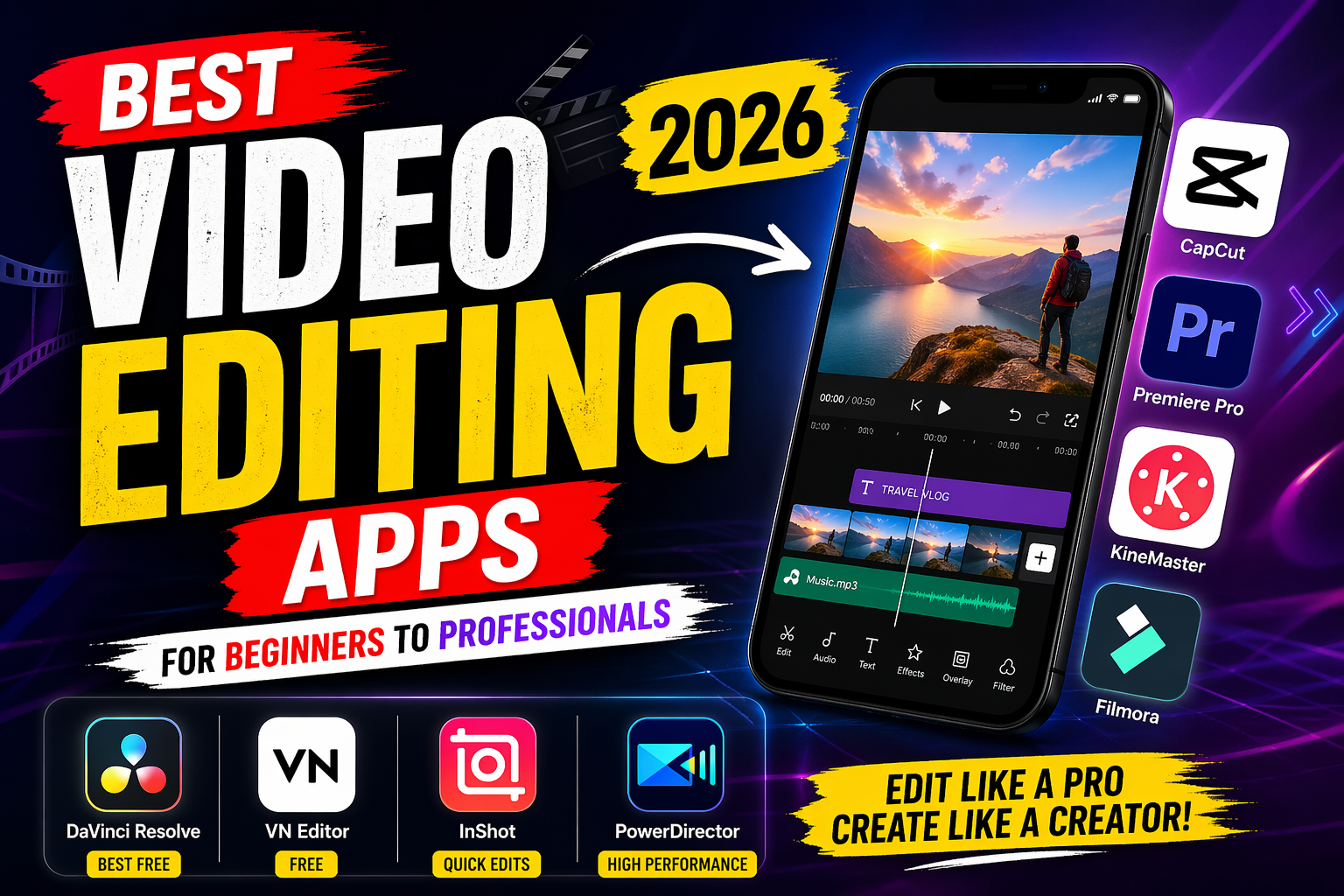
Best Video Editing Apps in 2026 – Complete Guide for Creators
In today’s digital world, video content is everywhere—whether it’s YouTube, TikTok, Instagram Reels, or professional filmmaking. If you want to stand out, having the right video editing app is essential. A good editing app can transform simple clips into high-quality, engaging content that attracts viewers and builds your audience.
In this article, we’ll explore the best video editing apps in 2026, covering both beginner-friendly and professional tools. Whether you’re using a smartphone or a PC, this guide will help you choose the perfect app for your needs.
Why Choosing the Right Video Editing App Matters
Before diving into the list, it’s important to understand why selecting the right app is crucial:
- Quality Output: Better apps provide higher resolution exports (4K, 8K)
- Efficiency: Advanced tools reduce editing time
- Creativity: Effects, transitions, and filters enhance storytelling
- Ease of Use: A clean UI helps beginners learn quickly
1. CapCut – Best for Beginners & Social Media
CapCut has become one of the most popular video editing apps, especially for short-form content creators.
Key Features:
- Easy drag-and-drop editing
- Trending transitions and effects
- Auto captions and AI tools
- No watermark (in most exports)
- Optimized for TikTok and Reels
Why Choose CapCut?
If you are just starting or making viral content, CapCut is perfect. It offers powerful features without overwhelming the user.
2. Adobe Premiere Pro – Best for Professionals
Adobe Premiere Pro is a top-tier video editing software used by filmmakers and YouTubers worldwide.
Key Features:
- Advanced timeline editing
- Multi-camera editing
- Color grading tools
- Integration with After Effects and Photoshop
- Supports 8K editing
Why Choose Adobe Premiere Pro?
If you want professional-level editing, this is one of the best choices. However, it requires a powerful computer and some learning.
3. KineMaster – Best Mobile Editing App
KineMaster is a powerful mobile editing app that balances ease of use with advanced features.
Key Features:
- Multi-layer video editing
- Chroma key (green screen)
- Audio effects and voiceovers
- Asset store for transitions and templates
Why Choose KineMaster?
It’s ideal for users who want advanced editing on mobile without switching to a PC.
4. Filmora – Best for Easy Professional Editing
Filmora is known for its simplicity and professional results. It’s great for YouTubers and content creators.
Key Features:
- Drag-and-drop interface
- Built-in templates
- AI tools (auto cut, background removal)
- Large library of effects
Why Choose Filmora?
If you want professional-looking videos without a steep learning curve, Filmora is a great option.
5. DaVinci Resolve – Best Free Professional Software
DaVinci Resolve is one of the most powerful free video editing tools available.
Key Features:
- Hollywood-level color grading
- Visual effects and motion graphics
- Audio editing (Fairlight)
- Free version with pro features
Why Choose DaVinci Resolve?
Perfect for users who want high-end editing without paying. It’s widely used in the film industry.
6. VN Video Editor – Best Free Mobile Editor
VN Video Editor is gaining popularity due to its clean interface and powerful tools.
Key Features:
- No watermark
- Multi-layer editing
- Speed control and keyframes
- Free templates
Why Choose VN Editor?
It’s a great free alternative to premium apps, especially for beginners.
7. InShot – Best for Quick Edits
InShot is perfect for quick edits and social media content.
Key Features:
- Simple trimming and cutting
- Filters and effects
- Music and sound effects
- Easy export options
Why Choose InShot?
If you want fast editing with minimal effort, InShot is a solid choice.
8. PowerDirector – Best for Performance
PowerDirector offers powerful editing tools with fast performance.
Key Features:
- AI effects and motion tracking
- 4K video editing
- Built-in templates
- Fast rendering speed
Why Choose PowerDirector?
Ideal for users who want speed and performance along with advanced features.
Mobile vs PC Video Editing Apps
Mobile Apps:
- Easy to use
- Great for social media
- Limited advanced features
PC Software:
- More powerful tools
- Better for long videos
- Requires learning and strong hardware
Tip: If you’re a beginner, start with mobile apps like CapCut or VN. As your skills grow, move to PC software like Premiere Pro or DaVinci Resolve.
Key Features to Look for in a Video Editing App
When choosing a video editing app, consider these important features:
1. User Interface (UI)
A clean and simple interface helps you learn faster.
2. Export Quality
Look for apps that support at least 1080p or 4K export.
3. Effects & Transitions
Creative tools make your videos more engaging.
4. Audio Editing
Good audio is just as important as video quality.
5. Performance
Choose an app that runs smoothly on your device.
Android App
IPhone App
Even the best app won’t help if your editing skills are weak. Here are some tips:
- Keep your videos short and engaging
- Use smooth transitions (don’t overuse effects)
- Add background music
- Maintain consistent color grading
- Focus on storytelling
Final Thoughts
Choosing the best video editing app depends on your needs and experience level. If you’re a beginner, start with simple apps like CapCut or VN Editor. For more advanced editing, tools like Filmora or KineMaster are great. And if you want professional results, Adobe Premiere Pro or DaVinci Resolve are the best options.
The key is to start practicing. No matter which app you choose, your creativity and consistency will determine your success.