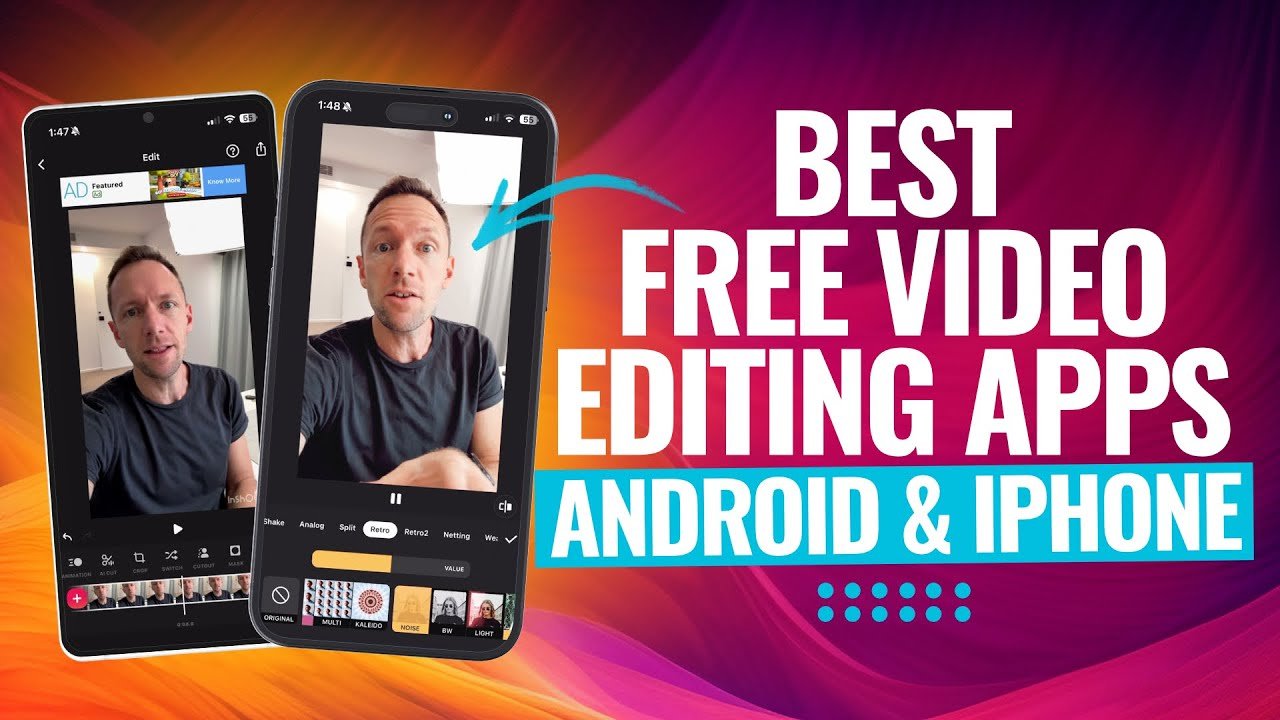
In 2026, mobile video editing has reached professional levels. Whether you’re creating quick TikTok/Reels, YouTube Shorts, vlogs, or even cinematic content, your smartphone is now powerful enough to handle complex edits without a computer.
From completely free no-watermark apps to powerful paid options with pro features, here’s a curated list of the best video editing apps for both Android and iOS.
1. VN Video Editor (Best Overall Free App)
Platforms: iOS, Android, iPad, Mac Price: Completely free (no watermark)
VN is widely regarded as the “Premiere Pro of mobile” in 2026. It offers a clean, multi-track timeline, precise trimming, keyframe animations, speed ramping, multi-layer support, and advanced audio tools — all without forcing subscriptions or watermarks.
Best for: Vloggers, long-form content creators, and anyone who wants professional control on mobile. Pros: Intuitive interface, no watermark, cross-device consistency, lightweight. Cons: Fewer trendy AI templates compared to CapCut.
2. CapCut (Best for Social Media & Beginners)
Platforms: iOS, Android, Desktop Price: Free (Pro subscription available)
CapCut remains a favorite for short-form content thanks to its massive library of viral templates, auto-captions, AI effects, background removal, and one-tap trending sounds. It’s extremely beginner-friendly but powerful enough for advanced users.
Best for: TikTok, Instagram Reels, and YouTube Shorts creators. Pros: Excellent AI tools, huge template library, fast exports. Cons: Some advanced features and cloud storage now require Pro.
3. Adobe Premiere (Mobile) / Premiere Rush Successor
Platforms: Primarily iOS (expanding) Price: Core features free; AI tools and extra storage via subscription
Adobe’s new mobile Premiere app brings pro-level editing closer to the desktop experience. It offers smooth timeline editing, color tools, and seamless integration if you use Adobe products.
Best for: Users already in the Adobe ecosystem or those wanting a step up from basic editors. Pros: Professional feel, cloud sync. Cons: Still evolving; some features locked behind paywall.
4. LumaFusion (Best Paid Pro App)
Platforms: iOS, Android Price: One-time purchase (around $29.99–$39.99)
LumaFusion is the go-to choice for serious mobile filmmakers. It delivers true multi-track editing, advanced color grading, chroma key, external drive support, and broadcast-quality exports.
Best for: Independent filmmakers, documentary creators, and professionals who edit on the go. Pros: One-time payment, desktop-like power on mobile. Cons: Slightly steeper learning curve.
5. CyberLink PowerDirector (Best Feature-Rich App)
Platforms: iOS, Android Price: Free with in-app purchases / Subscription for full access
PowerDirector stands out for its powerful AI tools, 4K/8K support, multi-layer editing, and special effects. It consistently ranks high in expert reviews for balancing ease of use with pro capabilities.
Best for: Creators who want lots of effects and stabilization tools. Pros: Strong performance, excellent stabilization, AI features. Cons: Some features require subscription.
6. InShot (Best for Quick & Simple Edits)
Platforms: iOS, Android Price: Free with Pro upgrade
InShot is perfect for fast social media edits. It excels at resizing videos, adding music, text, stickers, transitions, and basic effects.
Best for: Beginners and casual creators making quick Reels or Stories. Pros: Very easy to use, great for photo + video collages. Cons: Less advanced timeline control.
7. Splice (Great All-Rounder, Especially for Beginners)
Platforms: iOS, Android Price: Free with optional subscription
Splice offers smooth transitions, speed ramping, and a clean workflow tailored for social-ready videos. Many creators recommend it as a reliable daily driver.
Best for: Quick, high-quality social content without complexity.
8. Apple iMovie (Best Free Option for iPhone Users)
Platforms: iOS, macOS Price: Free
iMovie is simple yet effective for Apple users, with good templates, trailers, and easy integration with iPhone footage.
Best for: Casual iOS users who want zero learning curve.
Other Notable Mentions
- Edits (by Instagram): Excellent for direct Instagram/Reels posting.
- YouTube Create: Tailored for YouTube creators with AI audio cleanup.
- Vita: Great for viral templates.
- Filmmaker Pro / VLLO: Solid alternatives with unique strengths.
Quick Comparison Table
| App | Best For | Watermark (Free) | Pricing Model | Difficulty |
|---|---|---|---|---|
| VN Video Editor | Pro mobile editing | No | Fully Free | Medium |
| CapCut | Social media & trends | No | Free + Pro | Beginner |
| LumaFusion | Professional filmmaking | No | One-time purchase | Advanced |
| PowerDirector | Effects & AI tools | Limited | Free + Subscription | Medium |
| InShot | Quick edits | Limited | Free + Pro | Beginner |
| Adobe Premiere | Adobe ecosystem | No (core) | Free + Subscription | Medium |
Final Recommendation
- Just starting out? → Go with VN or CapCut.
- Want pro features without subscription? → LumaFusion (one-time buy).
- Creating viral short-form content? → CapCut.
- Serious filmmaker on mobile? → LumaFusion or PowerDirector.
The best app ultimately depends on your needs — whether you prioritize zero cost, ease of use, advanced controls, or social media integration.
Tip: Try 2–3 apps for a week. Most creators end up using one main editor for serious work and another for quick social clips.