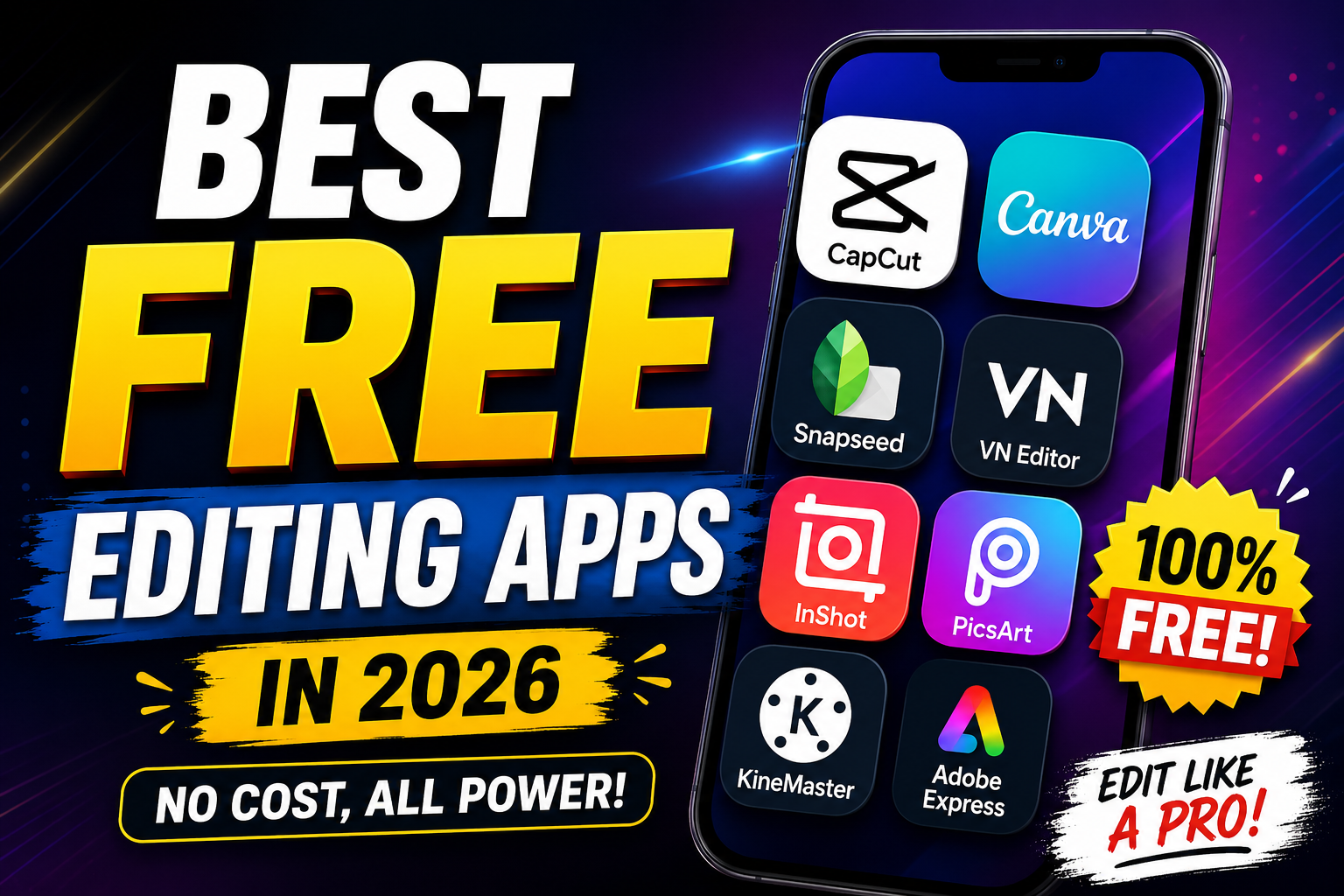
Best Free Editing Apps in 2026
In today’s digital world, editing apps have become essential for content creators, students, businesses, photographers, and social media users. Whether you want to edit videos for YouTube, create Instagram reels, improve photos, or design professional graphics, free editing apps provide powerful tools without requiring expensive software. Many modern editing apps now offer AI-powered features, advanced filters, transitions, and cloud storage, making professional editing easier than ever.
This article explores the best free editing apps available in 2026, their features, advantages, and why they are popular among users worldwide.
Why Free Editing Apps Are Popular
Free editing apps are growing in popularity because they are accessible to everyone. In the past, professional editing required expensive software and powerful computers. Today, smartphones and free apps can produce high-quality results.
The biggest advantages of free editing apps include:
- Easy to use for beginners
- Available on mobile and desktop devices
- No expensive subscriptions required
- Fast editing with ready-made templates
- AI-powered tools for automatic enhancement
- Suitable for social media content creation
These apps help creators save time while producing attractive and professional content.
1. CapCut
Overview
CapCut is currently one of the most popular free video editing apps in the world. It is widely used by TikTok creators, YouTubers, and Instagram influencers because of its easy interface and professional editing features.
Key Features
- Free video editing tools
- AI subtitles and captions
- Trending templates
- Background remover
- Advanced transitions and effects
- Music and sound library
- 4K video export
Advantages
CapCut is ideal for beginners because it provides ready-made templates and one-click editing tools. Users can quickly create cinematic videos without advanced editing skills.
Best For
- TikTok videos
- Instagram reels
- Short-form content creators
- Beginner video editors
2. Canva
Overview
Canva is more than just a graphic design app. It allows users to edit photos, videos, presentations, logos, posters, and social media posts with ease.
Key Features
- Drag-and-drop editor
- Thousands of free templates
- AI image generator
- Video editing tools
- Background remover
- Team collaboration tools
- Social media scheduling
Advantages
Canva is perfect for non-designers. Its simple interface helps users create professional designs in minutes.
Best For
- Social media graphics
- Business marketing
- School presentations
- YouTube thumbnails
3. Adobe Express
Overview
Adobe Express is a lightweight and beginner-friendly editing app from Adobe. It combines graphic design, photo editing, and video editing in one platform.
Key Features
- Professional templates
- AI editing tools
- Quick video editing
- Text animations
- Photo filters and enhancements
- Easy social media publishing
Advantages
The app delivers Adobe-quality editing tools in a simplified format suitable for beginners and professionals alike.
Best For
- Content creators
- Students
- Small businesses
- Quick professional designs
4. Snapseed
Overview
Snapseed is one of the best free photo editing apps for mobile users. Developed by Google, it offers advanced photo editing features completely free.
Key Features
- RAW photo editing
- Healing tool
- Selective editing
- HDR effects
- Vintage filters
- Professional color correction
Advantages
Snapseed provides professional-level photo editing without watermarks or hidden costs.
Best For
- Photography enthusiasts
- Mobile photographers
- Instagram photo editing
- Advanced image enhancement
5. VN Video Editor
Overview
VN Video Editor is gaining popularity because it offers professional editing tools without adding watermarks.
Key Features
- Multi-layer timeline
- Speed control
- Keyframe animation
- Video transitions
- Music synchronization
- High-quality export
Advantages
VN Video Editor gives users advanced editing freedom while maintaining a beginner-friendly interface.
Best For
- YouTube creators
- Vlog editing
- Professional mobile editing
- Cinematic videos
6. PicsArt
Overview
PicsArt is a creative platform known for artistic editing features and social sharing tools.
Key Features
- AI image editing
- Artistic filters
- Sticker maker
- Collage creator
- Drawing tools
- Video editing features
Advantages
PicsArt is excellent for users who enjoy creative and artistic photo manipulation.
Best For
- Creative designers
- Artistic photo editing
- Social media creators
- Meme creators
7. KineMaster
Overview
KineMaster is a well-known editing app that offers advanced video editing features for mobile devices.
Key Features
- Multi-track editing
- Chroma key support
- Voiceovers
- Visual effects
- Audio editing tools
- Animation controls
Advantages
KineMaster allows users to create professional videos directly from smartphones.
Best For
- YouTube videos
- Educational content
- Green screen editing
- Mobile filmmaking
8. InShot
Overview
InShot is one of the easiest editing apps for beginners. It is especially popular among Instagram and TikTok users.
Key Features
- Video trimming and cutting
- Music integration
- Filters and transitions
- Text and stickers
- Speed adjustments
- HD exports
Advantages
Its clean and simple interface makes editing fast and enjoyable.
Best For
- Beginners
- Instagram content
- TikTok videos
- Daily social media editing
Important Factors When Choosing an Editing App
Before selecting an editing app, users should consider the following factors:
1. Ease of Use
Beginners should choose apps with simple interfaces and tutorials.
2. Editing Features
Professional users may need advanced tools like keyframes, layers, and AI editing.
3. Watermarks
Some free apps add watermarks to exported content. Choose apps that allow watermark-free exports.
4. Device Compatibility
Make sure the app works smoothly on your smartphone, tablet, or computer.
5. Export Quality
High-resolution exports such as 1080p or 4K are important for professional content.
Free Editing Apps vs Paid Editing Apps
Free editing apps are suitable for most casual creators, but paid versions often unlock additional features such as:
- Premium templates
- Advanced AI tools
- Cloud storage
- No advertisements
- Better export quality
However, many free apps now provide enough tools for professional-quality editing without requiring payment.
Best Editing App for Different Users
| User Type | Recommended App |
|---|---|
| Beginners | InShot |
| Professional Mobile Editors | VN Video Editor |
| Graphic Designers | Canva |
| Social Media Creators | CapCut |
| Photographers | Snapseed |
| Artistic Creators | PicsArt |
| YouTubers | KineMaster |
| Business Users | Adobe Express |
Future of Editing Apps
Editing apps continue to evolve rapidly with artificial intelligence and cloud technology. In the future, users can expect:
- Fully AI-generated videos
- Automatic editing suggestions
- Voice-controlled editing
- Real-time collaboration
- Faster cloud rendering
- Advanced AR and VR editing tools
AI technology is already transforming how creators edit photos and videos, making professional editing accessible to everyone.
Download
Free editing apps have revolutionized digital content creation. Whether you are editing videos, photos, or graphics, there are powerful free tools available for every type of creator. Apps like CapCut, Canva, Snapseed, and VN Video Editor provide impressive features without requiring expensive subscriptions.
Choosing the best app depends on your editing goals, skill level, and content type. Beginners may prefer simple apps like InShot, while advanced users may enjoy the professional tools offered by VN Video Editor or KineMaster.
As technology continues to improve, free editing apps will become even more powerful, creative, and accessible for users around the world.