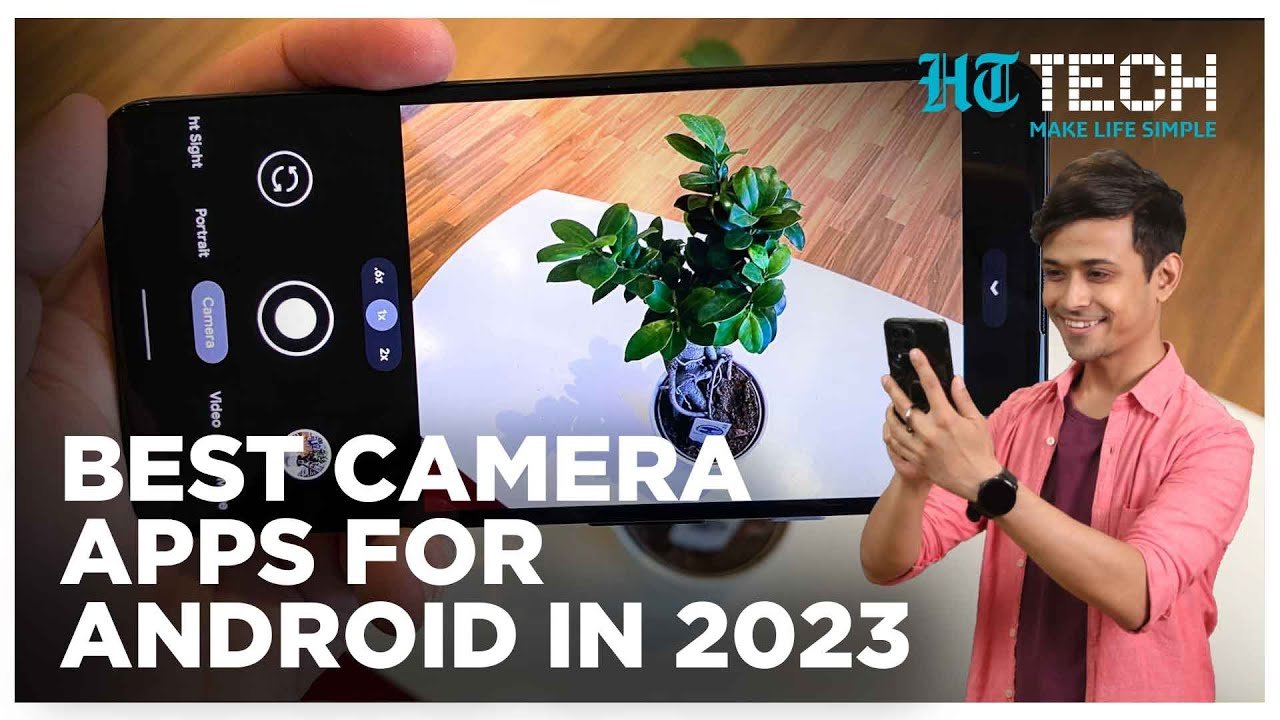
Smartphone photography has evolved dramatically. Modern Android flagships from Google, Samsung, Xiaomi, and Sony already deliver impressive results, but if you want true professional-grade control — manual settings, RAW capture, minimal processing, and DSLR-like flexibility — you need the right camera app.
Here are the best camera apps for Android that serious photographers and content creators are using in 2026 to take their mobile photography to the next level.
1. ProShot – The Best Overall Manual Camera App
ProShot remains one of the most powerful and DSLR-like camera apps available on Android. It gives you full manual control over ISO, shutter speed, white balance, focus, and exposure compensation.
Key Features:
- Multiple shooting modes (Auto, Program, Manual, Custom)
- RAW + JPEG support (including simultaneous capture)
- Professional histogram and focus peaking
- Long exposure and interval shooting
- Clean, intuitive interface with quick access to settings
Best for: Landscape, street, and product photographers who want precise control similar to a mirrorless camera.
Price: Paid (one-time purchase)
2. Open Camera – Best Free Manual Camera App
If you want powerful features without spending money, Open Camera is an excellent choice. This open-source app punches well above its weight and is favored by many Android enthusiasts.
Key Features:
- Full manual controls (shutter speed, ISO, focus, white balance)
- RAW support on compatible devices
- HDR, exposure bracketing, and scene modes
- No ads in the core experience
- Highly customizable interface
Best for: Budget-conscious photographers and those who prefer a no-frills, functional app.
Price: Completely Free
3. Adobe Lightroom Mobile – Best All-in-One Pro Solution
Lightroom isn’t just for editing — its built-in camera mode is surprisingly capable for professional work.
Key Features:
- Professional camera interface with manual controls
- Direct RAW capture and high-quality DNG files
- Seamless integration with desktop Lightroom
- Advanced AI tools for editing (Generative Remove, Lens Blur, etc.)
- Cloud syncing across devices
Best for: Photographers who want a complete workflow — shooting + professional editing — in one app.
Price: Free (Premium features require subscription)
4. ProCam X (or HD Camera Pro) – Feature-Rich Alternative
ProCam X and similar pro DSLR-style apps (like HD Camera 2026) offer a clean interface with strong manual controls, long exposure, macro focus, and 4K video capabilities.
They are particularly popular for users who want an experience resembling a Canon or Nikon camera on their phone.
Best for: Users who like a traditional camera layout and extra creative modes.
Price: Free with in-app purchases / Lite version available
5. Blackmagic Camera – Best for Hybrid Photo/Video Creators
While primarily known for video, the Blackmagic Camera app (free from Blackmagic Design) has become a favorite in 2026 for creators who shoot both stills and video professionally. It offers cinema-grade manual controls and excellent image quality.
Best for: Filmmakers and hybrid shooters who need pro-level exposure tools.
6. Google Camera (GCam) Ports – Best for Computational Photography
For Pixel-like results on non-Pixel devices, many users install GCam (Google Camera) ports. These leverage advanced computational photography for superior HDR, Night Sight, and portrait modes.
Note: Results vary by device. Not as manual-focused as ProShot, but excellent for high-quality automatic shots.
Quick Recommendation Guide
| Need | Best App | Price |
|---|---|---|
| Full manual DSLR control | ProShot | Paid |
| Best free option | Open Camera | Free |
| Complete pro workflow | Adobe Lightroom | Free/Premium |
| Clean & simple pro features | ProCam X | Freemium |
| Video + photo hybrid | Blackmagic Camera | Free |
Pro Tips for Professional Results
- Always shoot in RAW when possible — it gives you maximum flexibility during editing.
- Use manual focus and focus peaking for sharp landscape or macro shots.
- Pair your camera app with Snapseed (completely free) or Lightroom for powerful non-destructive editing.
- Test apps on your specific device, as hardware support (especially for RAW and manual controls) varies between brands.