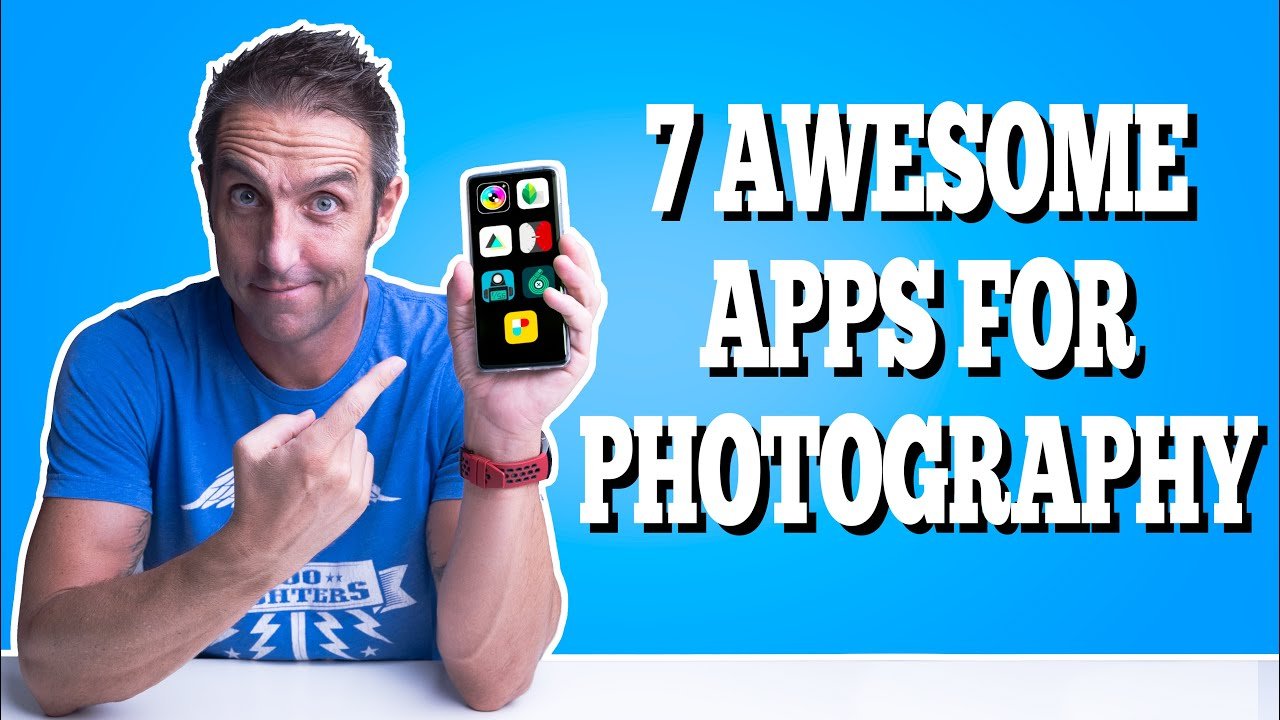
Smartphones in 2026 have become incredibly powerful photography tools. With advanced sensors, computational photography, and AI assistance, your phone can now produce results that rival professional cameras. However, to truly unlock pro-level results, you need the right photography apps.
Here are the best apps for professional photography on smartphones in 2026, covering both Android and iOS.
1. Adobe Lightroom Mobile (Best Overall)
Platforms: iOS, Android, iPad Price: Free (Premium features via Adobe Creative Cloud subscription)
Lightroom Mobile remains the gold standard for professional mobile photography. It offers powerful RAW editing, advanced color grading, selective adjustments, healing brush, AI masking, and seamless sync with the desktop version.
Best for: Photographers who want studio-quality editing on the go. Pros: Professional tools, excellent organization, cloud sync, consistent workflow with desktop Lightroom. Cons: Advanced features require a paid subscription.
2. Halide Mark II (Best for iPhone – Manual Control)
Platforms: iOS Price: One-time purchase (with optional Pro subscription)
Halide is loved by professional photographers for giving full manual control over exposure, focus, shutter speed, ISO, and white balance. It includes advanced features like Focus Peaking, Zebra Stripes, RAW capture, and its unique “Process” mode for computational photography.
Best for: iPhone users who want DSLR-like control and maximum image quality. Pros: Clean interface, powerful manual tools, regular updates. Cons: iOS only and paid.
3. ProCamera (Excellent All-Rounder for iOS)
Platforms: iOS Price: One-time purchase
ProCamera offers extensive manual controls, high-quality RAW shooting, advanced bracketing modes (HDR, exposure, focus), and professional video features in one app.
Best for: Serious iOS photographers who shoot both photos and video.
4. Adobe Photoshop Camera / Photoshop Express
Platforms: iOS, Android Price: Free with in-app purchases
While Lightroom is for serious editing, Photoshop Express is great for quick but powerful retouching, removing objects, sky replacement, and neural filters using Adobe’s AI.
Best for: Fast, high-quality photo enhancements and creative edits.
5. Camera FV-5 (Best Manual Camera App for Android)
Platforms: Android Price: Free / Lite & Pro versions
Camera FV-5 brings DSLR-style controls to Android devices. It offers full manual mode, RAW support, histogram, exposure lock, and professional settings.
Best for: Android users who want complete control over their camera hardware.
6. Snapseed (Best Completely Free Pro Editor)
Platforms: iOS, Android Price: Completely Free (by Google)
Snapseed is a hidden gem. It provides professional-grade editing tools like Curves, Selective adjustments, Healing, Brush, and RAW editing in a simple, no-subscription package.
Best for: Photographers who want powerful editing without spending money. Pros: No ads, no watermarks, excellent tools. Cons: No cloud sync or advanced organization features.
7. VSCO (Best for Film Looks & Aesthetic Editing)
Platforms: iOS, Android Price: Free with subscription (VSCO Pro)
VSCO is popular for its beautiful film emulation presets and clean editing tools. It’s ideal for creating a consistent, artistic style across your photos.
Best for: Lifestyle, portrait, and travel photographers who love moody or vintage aesthetics.
8. Moment Pro Camera (Great for Manual + Accessories)
Platforms: iOS, Android Price: Paid
Designed to work perfectly with Moment lenses, this app offers pro manual controls, log shooting, and high-bitrate video.
Best for: Users who combine their phone with external lenses and rigs.
Quick Comparison Table
| App | Platform | Best For | Pricing | Manual Controls | RAW Support |
|---|---|---|---|---|---|
| Adobe Lightroom | iOS & Android | Professional Editing | Free + Subscription | Good | Yes |
| Halide Mark II | iOS | Manual Shooting | One-time + Pro | Excellent | Yes |
| Snapseed | iOS & Android | Free Pro Editing | Completely Free | Good | Yes |
| ProCamera | iOS | All-in-one Pro | One-time purchase | Excellent | Yes |
| Camera FV-5 | Android | Manual Android Shooting | Free + Pro | Very Good | Yes |
| VSCO | iOS & Android | Aesthetic & Film Looks | Free + Subscription | Moderate | Limited |
Final Recommendations
- Best Overall Choice: Adobe Lightroom Mobile – Best balance of shooting and editing power.
- iPhone Users wanting maximum control: Halide Mark II
- Android Users: Camera FV-5 + Lightroom Mobile
- On a Budget: Snapseed (surprisingly powerful and completely free)
- Creating a signature style: VSCO
Pro Tip: The best results come from combining apps. Shoot in ProRAW or RAW using Halide/ProCamera, then edit in Lightroom or Snapseed for maximum quality.
With the right apps, your smartphone can deliver truly professional photography without carrying heavy camera gear.