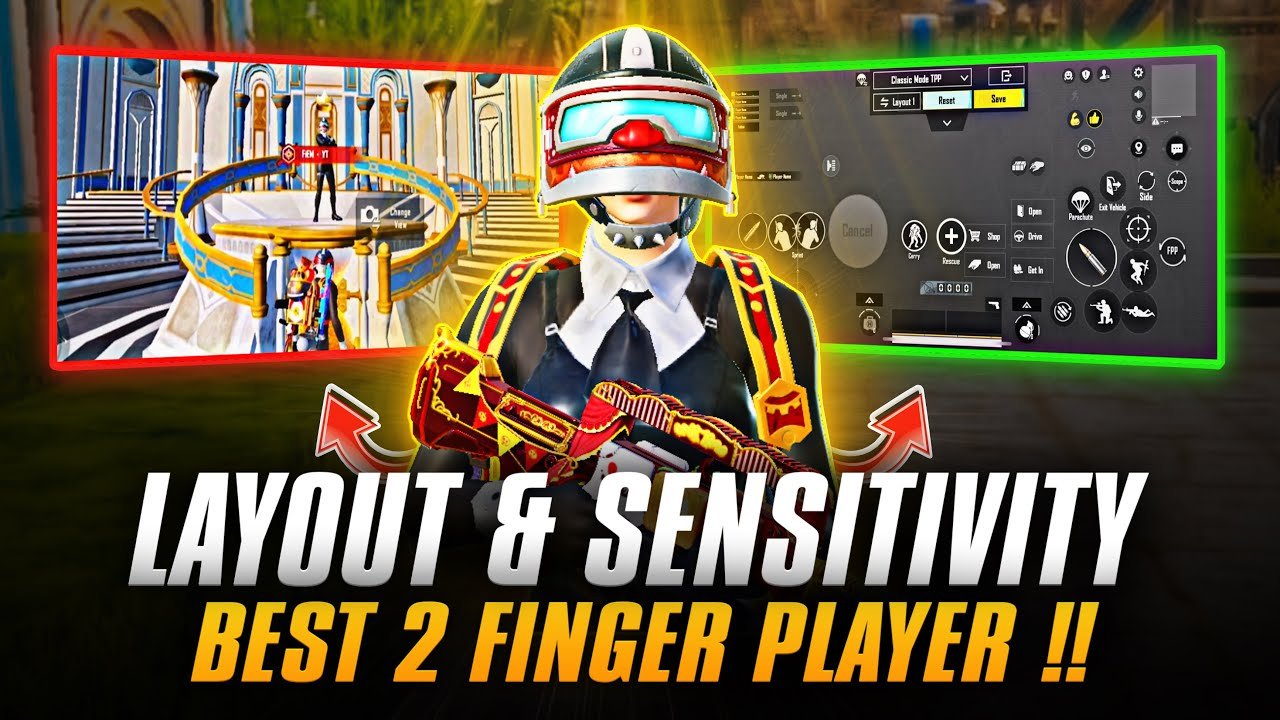
Playing PUBG Mobile with only 2 fingers (two thumbs) remains popular among beginners, casual players, and those who prefer a simple grip on smaller phones. While 3-finger or 4-finger claw setups offer faster reactions, a well-optimized 2-finger layout with strong gyroscope support can still deliver solid performance in close and mid-range fights.
In 2026, the key to success with 2 fingers lies in minimalistic HUD design, high gyroscope sensitivity, quick access to essential buttons, and muscle memory. Many pro-level 2-finger players rely heavily on gyro for aiming while using thumbs for movement and firing.
Here’s the ultimate guide to the best 2-finger control layout, recommended settings, and pro tips.
Why 2-Finger Layout Still Works in 2026
- Easier to learn for new players.
- Less hand fatigue during long sessions.
- Excellent for thumb players who don’t want to switch to claw.
- With high gyro, you can achieve surprisingly good recoil control and quick scoping.
Important Note: Without high gyroscope sensitivity, 2-finger play becomes very difficult. Gyro is almost mandatory for competitive performance with only two thumbs.
Recommended 2-Finger Control Layout Principles
The best 2-finger HUD follows these rules:
- Left thumb: Handles movement (joystick), crouch, prone, and sometimes fire/reload.
- Right thumb: Handles aiming, shooting, peeking, jumping, and scope switching.
- Keep the screen as clean as possible — disable or hide unnecessary buttons (map, emotes, etc.).
- Place high-use buttons (Fire, Aim, Peek) within easy thumb reach without stretching.
- Make the movement joystick slightly larger for better control.
- Position scope buttons and reload near the right side for quick access.
Ideal Button Placement for 2 Fingers (Thumb Style)
- Left Side:
- Movement Joystick: Bottom-left, slightly larger (120–150% size).
- Crouch & Prone: Close to the joystick (easy tap while moving).
- Fire Button: Near left thumb for quick sprays.
- Right Side:
- Aim Joystick / Free Look: Upper-right area.
- Shoot Button: Large and central-right for easy tapping/holding.
- Peek (Left/Right): Next to shoot or aim.
- Jump & Reload: Near right thumb reach.
- Scope Switch: Close to aim button.
Many top layouts use the default “Right” or “First” preset as a base, then customize by moving buttons outward and resizing them.
How to Import Popular 2-Finger Layout Codes (2026)
PUBG Mobile allows importing HUD layouts using codes.
Popular working codes (tested in recent updates — always verify in your version):
- One commonly shared aggressive 2-finger gyro layout: 1-7592-1099-4220-7690-265
- Long-range focused: 1-7478-5442-2780-9366-770
- Another clean gyro setup: 1-7524-1962-0133-6414-240
How to apply a code:
- Go to Settings → Controls → Customize.
- Tap the Layout tab → select the first (or right) preset.
- Tap the Import button and enter the code.
- Adjust button sizes and positions slightly to match your hand and screen size.
Tip: Start with a code, then spend 10–15 minutes in the training ground tweaking positions. No single layout is perfect for everyone.
Best Sensitivity Settings for 2-Finger Players
High gyro is essential. Here are recommended starting values (adjust ±10–20% based on your device and comfort):
Camera Sensitivity (Free Look):
- 3rd Person No Scope: 140–180%
- 1st Person No Scope: 130–170%
- Red Dot, Holographic, Aim Assist: 80–110%
ADS Sensitivity (Aim Down Sight):
- 3rd Person: 60–90%
- 1st Person: 55–85%
- Red Dot/Holo: 40–60%
- 2x Scope: 35–55%
- 4x Scope: 25–45%
- 6x/8x Scope: 15–30%
Gyroscope Sensitivity (Crucial for 2 Fingers):
- 3rd Person No Scope: 250–350%
- 1st Person No Scope: 240–340%
- Red Dot/Holo: 200–300%
- 2x–4x: 180–280%
- Higher scopes: 120–220%
Other Settings:
- Enable Always On or Scope On for Gyroscope.
- Use Mixed firing mode for flexibility.
- Graphics: Smooth + Extreme (or Balanced) for higher frame rates.
Test these in the training ground. Increase gyro gradually if you feel oversensitive; lower camera sensitivity if movement feels shaky.
Pro Tips for Mastering 2-Finger Play
- Practice Gyro Aiming Daily: Spend 10–15 minutes in training mode flicking and tracking targets.
- Minimize Clutter: Hide rarely used buttons (grenade types, vehicle controls) to reduce accidental taps.
- Button Size: Make Fire and Aim buttons 130–160% size for easier hits.
- Peek Shooting: Learn to combine left peek with right thumb on fire for aggressive plays.
- Device Position: Hold your phone comfortably — many players use a phone grip or stand for stability.
- Warm-up Routine: Play TDM or training ground before ranked matches.
- Transition Tip: If you want to improve further, gradually move to 3-finger by adding one more finger for firing or peeking.
Common Mistakes to Avoid
- Using default low gyro sensitivity.
- Placing buttons too far apart (causes thumb stretching and slower reactions).
- Too many visible buttons cluttering the screen.
- Ignoring sensitivity practice — layout alone won’t help without proper sens.
Final Thoughts
The best 2-finger layout in PUBG Mobile 2026 is one that feels natural to your thumbs while maximizing gyro usage. Start with a popular code like 1-7592-1099-4220-7690-265, tweak button positions, crank up your gyroscope, and practice consistently in the training ground.
With time, many 2-finger players reach Ace or even Conqueror ranks. Once comfortable, consider experimenting with 3-finger for even better close-range fights.